< Previous lesson | Overview | Next lesson >
The time is now
How to let Calc give you time
Sometimes you want to let Calc give you the current time. You could, of course, take a look yourself at the watch, but we’re too lazy today, aren’t we? "Yes we are!". Thanks...
The good news is that it’s the easiest formula so far. The bad news is that there aren’t many challenges here -- unless we make them ourselves :-)
Now, let’s get on with the formula: =NOW()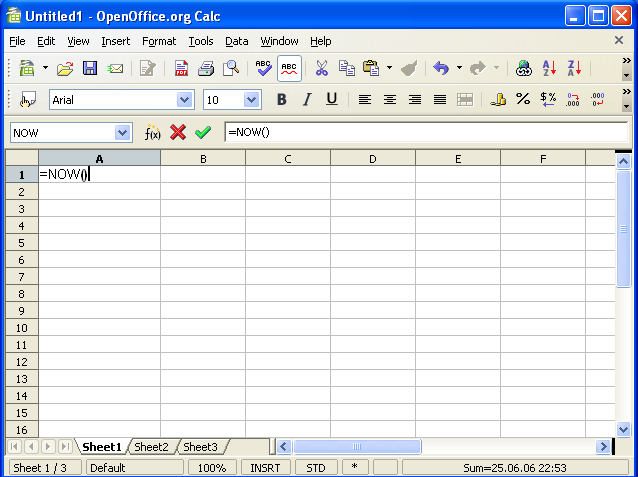
That is actually the whole, complete formula. Nothing to put between the parenthesis, nothing. That’s it!
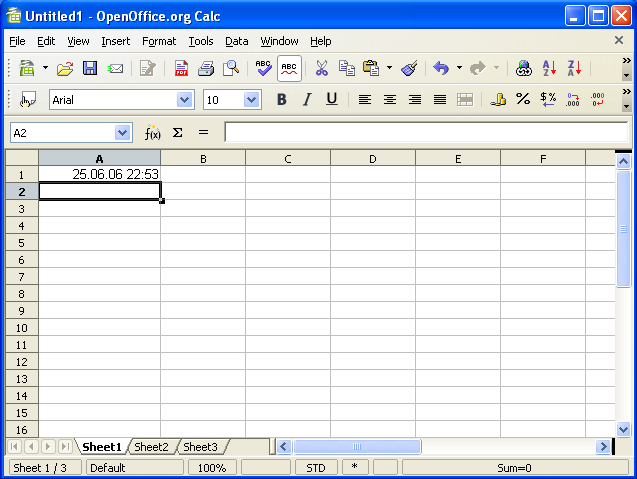
What this formula will do, is give you the exact date and time, down to the second. But, as with all other formulas, it won’t recalculate until it’s told to. OK, try it now.
Go to any cell, and type =NOW() (it doesn’t have to be upper case). Calc will now(!) give you the exact time and date that you pressed [Enter]. If you want it to update the time, double click inside the cell, and press [Enter] again. Or you can press [F2] and hit [Enter]. Or you can go to the Tools -> Cell Contents menu and choose Recalculate.