< Previous lesson | Overview | Next lesson >
=LEN()
How to count characters in a cell or string
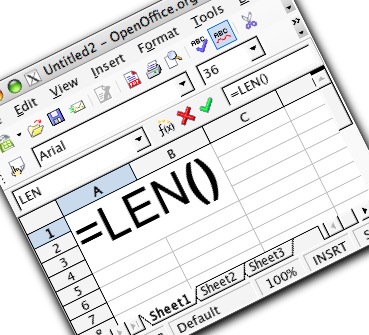
All this formula does, is to count the number of characters in either a text string or a cell, using a cell reference.This is a formula that is mostly used in conjunction with other formulas, as all it provides, a the number of characters.
The syntax for the formula is:
=LEN([Either a "text string" or a cell reference])
Here is an example:
Go to cell A1 and type =LEN("This is a test!") and hit [Enter].
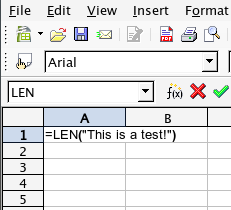
What happens? You should get the number 15 as a result, as there are 15 characters in the text string.
Here is another example:
Delete the contents of cell A1. Enter a text string in A1, for instance "This is the second test!"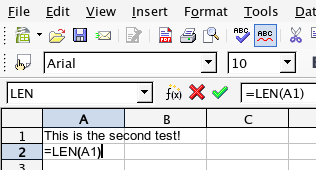
Go to cell A2 and type:
=LEN(A1)
and hit [Enter]. Cell A2 should now give you the number 24 (if you used the suggested text above).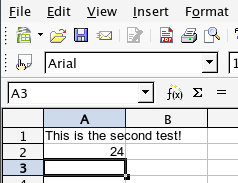
Go back to A1 and type something else, and see how the number in A2 changes accordingly.
Please note that spaces are regarded as characters!