< Previous lesson | Overview | Next lesson >
Introduction
Calc is a spread sheet -- what are those?
First of all, let’s look at what you can do with a spread sheet. You can use it as a calculator, make invoices, makes budgets, create lists, make an analysis tool for evalating odds etc., etc., etc... The possibilities are infinite.
A spread sheet is basically a bunch of cells aligned horizontally and vertically.
In each of these cells you can but different kinds of information. Examples:
- numbers
- text
- formulas
Numbers are entered both as information and as basis for formulas.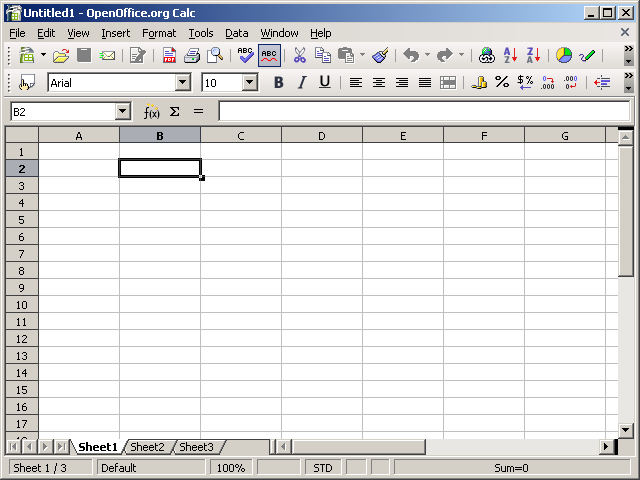
"Text? Isn't that for word processors?". Yes. And no. You wouldn't want to use a spread sheet for heavy word processing, but you could use a spread sheet to describe the numbers or formulas you have in y our spread sheet. 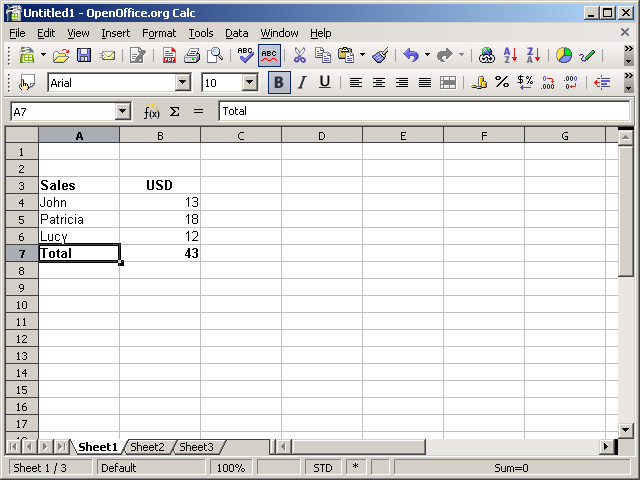
Formulas; this is where the magic lies... Most formulas are easy to use, some are a little less easy to use and some are almost easy to use ;-) You use formulas to change a bunch of data into something more useful, such as a sum, or to count the numbers you have entered, or the average of number etc.
An example; if you have a list of 20 numbers, you can, literally, in a matter of seconds find both the sum of them, the average, the largest number AND the smallest number. Not impressed? You feel you could do that without formulas? Of course you can. But what if you have 200 numbers in the list? You would still use the same formulas AND use the same amount of time to get the numbers mentioned! Still not convinced? OK -- try 20.000 numbers in a list. Done in the same amount of time. Try that on a calculator.
OK, so some good news. The above example is from the real world, and it's true! And it's fairly easy to accomplish. The best news is that you'll know how in an hour or so...